
The Customize My Site area allows you to align the platform’s visual identity with your organization’s branding. By tailoring your homepage content and refining the navigation bar, you can create a familiar, professional experience for your team and community. These settings ensure that your platform feels like a seamless extension of your existing services.
Modify Your Logo, Splash Image, or Tab Icon
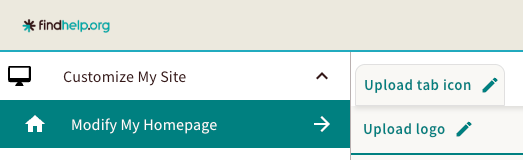
You can change the logo or tab icon on your site by uploading the image in the Admin Center.
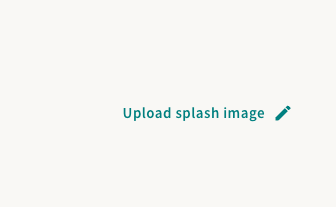
You can also add a splash image which will appear on your homepage on the right of your zip code search bar.
When preparing your files, please ensure they meet the following technical requirements:
| Asset Type | Required Dimensions | Supported File Formats |
| Tab Icon | 250 x 22 pixels | .jpg, .jpeg, .gif, .png |
| Logo | 220 x 277 pixels | .jpg, .jpeg, .gif, .png |
| Splash Image | Flexible | .jpg, .jpeg, .gif, .png |
Change Your Navigation Bar Color
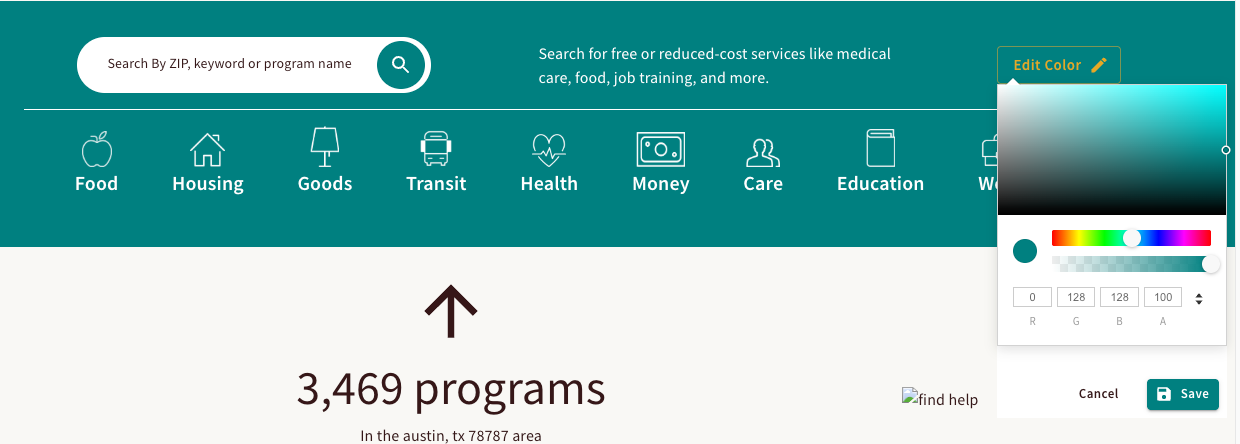
To customize your site’s appearance, select the Navigation Bar Color option from the admin menu. You can apply a new look by choosing a preset color from the picker or by entering a specific Hex code or RGBA value for precise branding.
- Click on Edit Color.
- Select a color using the visual palette, or manually input your preferred Hex or RGBA values.
- Click save to update your navigation bar color!
Change Homepage Instructions
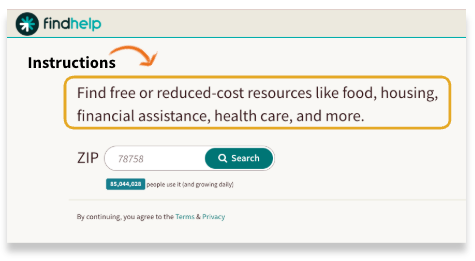
You can customize the instructions on your homepage.
First, click Edit Instructions. A text box will appear where you can enter the text you'd like to feature. You can adjust the font size and choose which words you want to make bold or underlined.
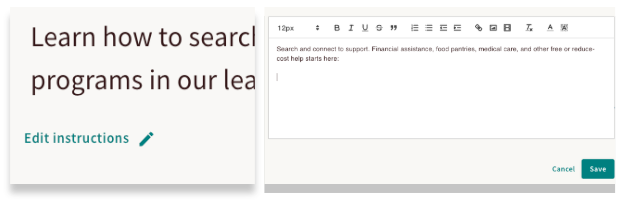
Once you're finished, click Save to apply your changes.
Add a Home Message
You can also add a message to your homepage below your zip code search bar. This is an example of where that message is located.
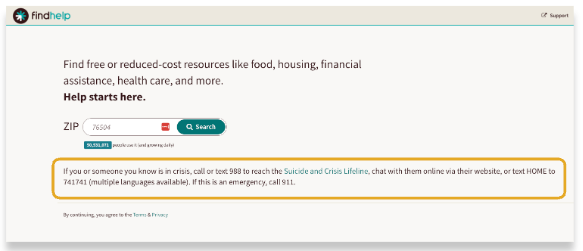
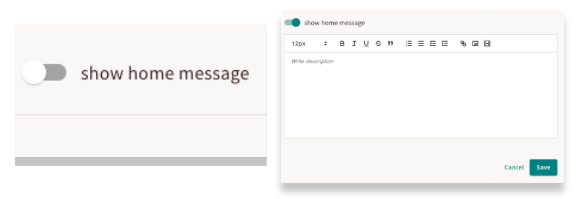
Once toggled on, a text box will appear where you can write your message. You can adjust the font size and choose which words you want to make bold or underlined.
Once you're finished, click Save to apply your changes.
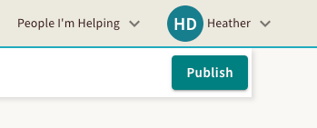 Once you have made changes to the logo or any of the script fields on your home page, make sure you publish your changes! None of your updates will be saved or reflected on your site without selecting this button.