
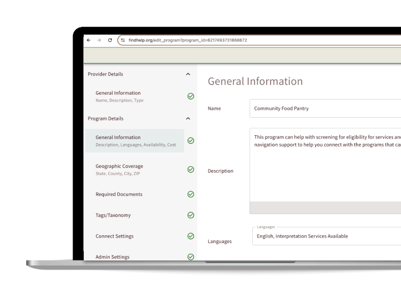
As a registered user, you can keep your community's resources up to date by making real-time edits to program listings.
This feature allows you to update service details, locations, or hours instantly. This is especially vital during emergencies—like natural disasters—when information changes rapidly. By making these quick updates, you ensure seekers always find the help they need while strengthening your relationships with local partners.
Editing Permissions and Restricted Program Types
While Program Manager allows you to manage many listings, certain program types are restricted to maintain data integrity.
You will not be able to directly add or edit:
-
National programs
-
Programs with confidential office locations
-
Programs tagged as clinical abortion or pregnancy resource center services
If you need to update or add a service in one of these categories, please use the "Suggest an Edit" or "Suggest a Program" links on the site so our data team can review and process the changes for you.
Entering the Program Manager Tool to Make Edits
Search for the program you want to edit on your site and click on its name to open the detailed view.
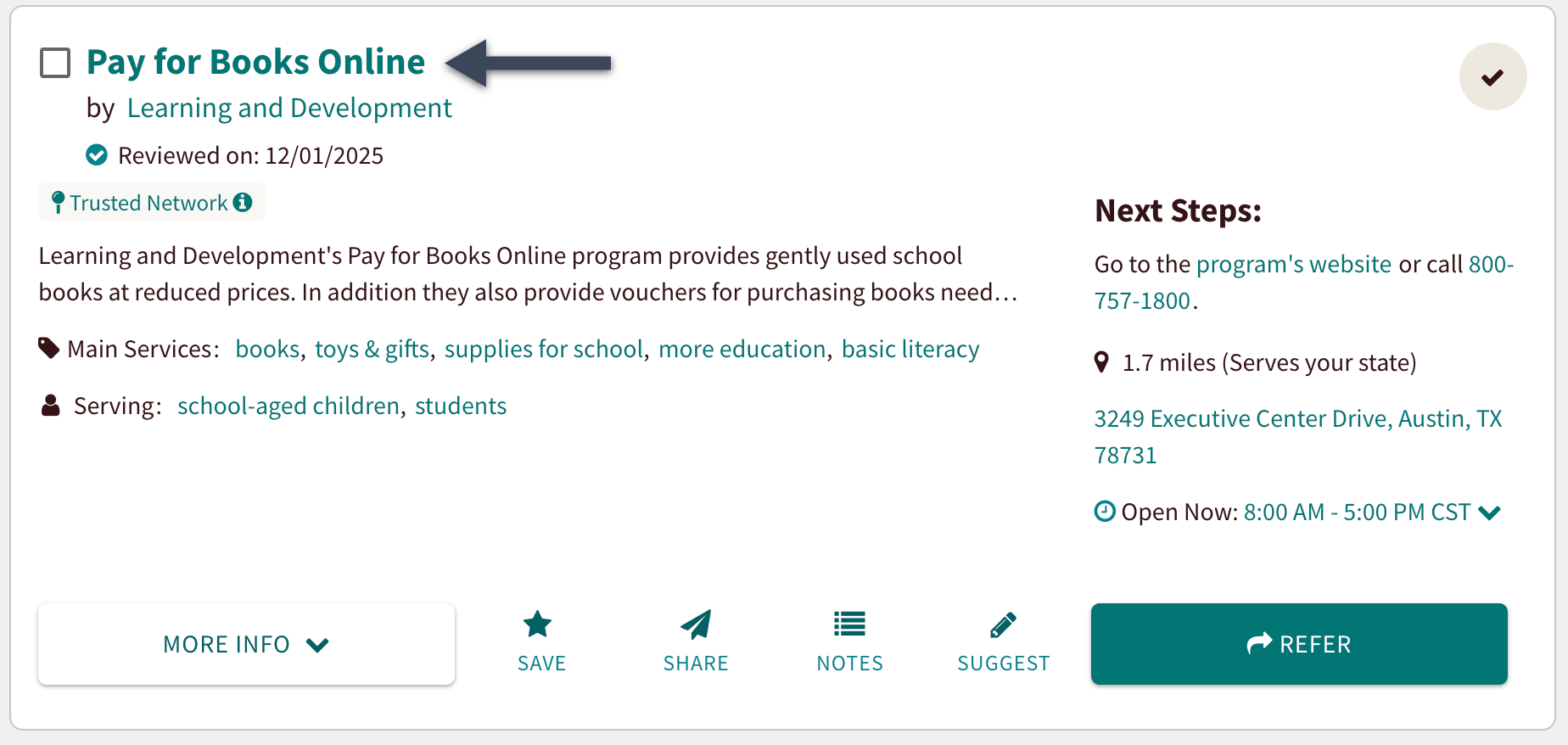
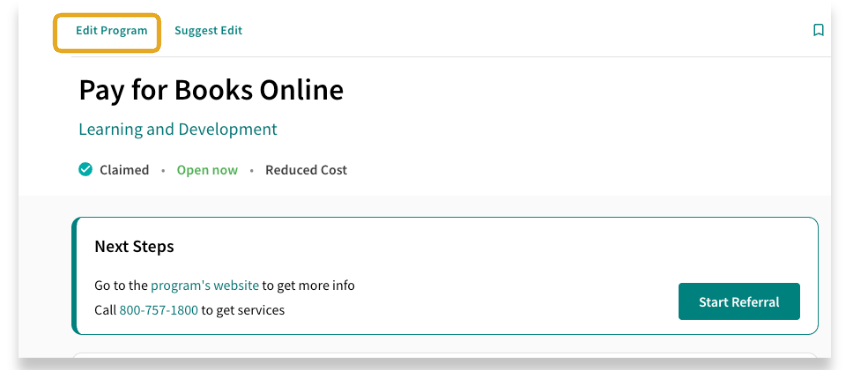
If the program is editable, you will see an "Edit this Program" option. Clicking on that will open a new tab that takes you into the tool.
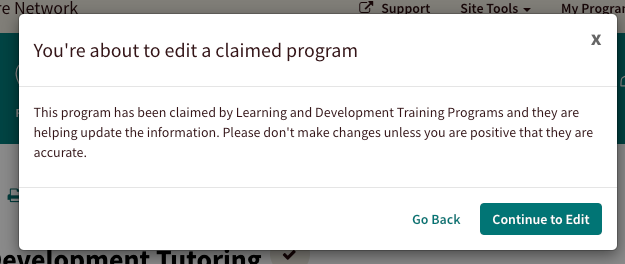

Program Manager Menu
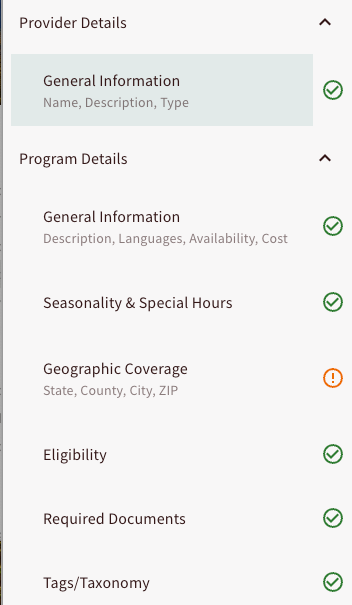
Once you are inside of the Program Manager tool, use the menu to navigate through the program fields.
You can click on specific segments or hit "Continue" to go to the next section. To exit without saving your edits, click the button at the top of the menu, and you’ll return to your detailed program card view.
Some fields will be view-only. For changes to those fields, please follow the standard process to request an edit through the program card!
Resources to Help You Use Program Manager
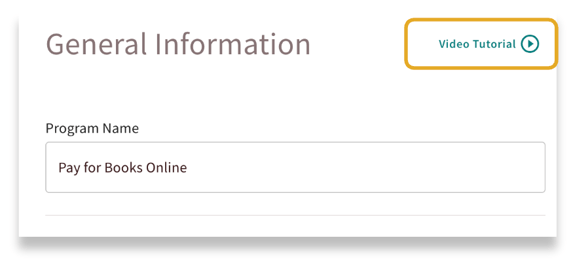
Each section of the Program Manager tool includes helpful built-in videos to guide you through adding or updating programs.
Simply click on 'Video Tutorial' to watch and get step-by-step instructions!
You can also watch this video to see Program Manager in action!
To help you navigate using the tool, each section within Program Manager features its own dedicated support article. These step-by-step guides provide detailed instructions on how to add or edit specific information effectively.
We recommend reviewing these resources whenever you update a listing to ensure your program data remains accurate and impactful!