Not everyone seeking assistance has access to a computer. Here are a few ways to share resources with them.
Mobile Options
Individuals can access findhelp.org directly from their phone's browser, which provides a mobile-friendly experience with all features available.
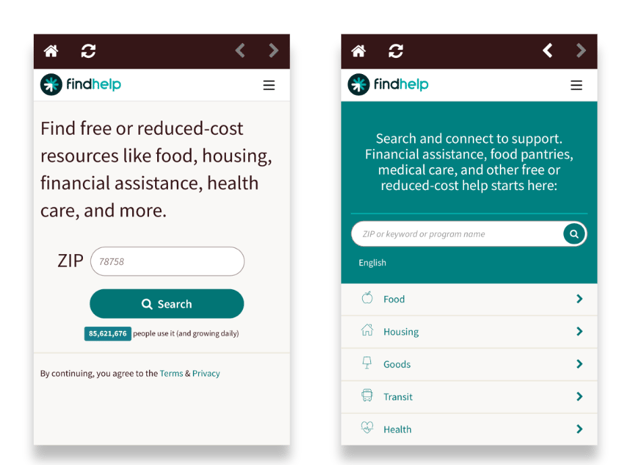
Findhelp Mobile App
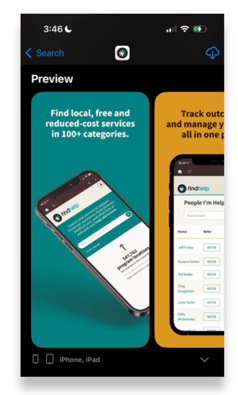
Additionally they can download the app by searching for Findhelp in the App store. Our app is available for both Android and Apple devices.
Share Resources Through Text
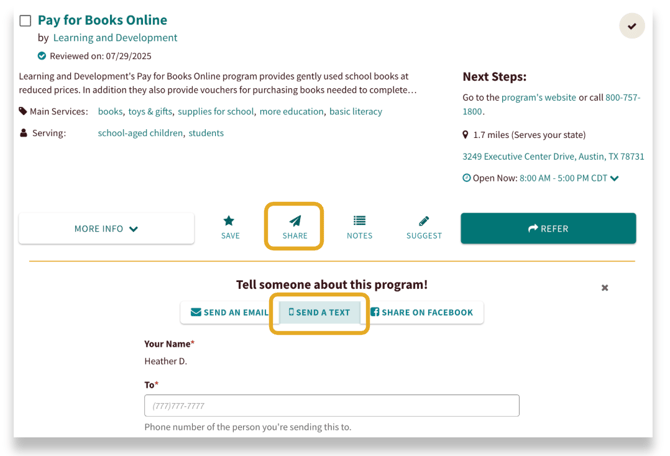
When sharing a program, you can choose to send notifications and contact information via text message or phone call. This option is also available when you're filling out a referral form.
Print It Out
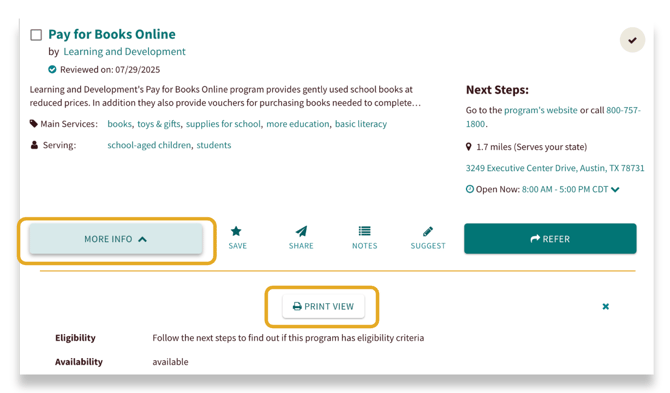
Want a physical copy? You can print a program's information. Click More Info on the program card, then select Print View. This will give you a printable version of the program's details.