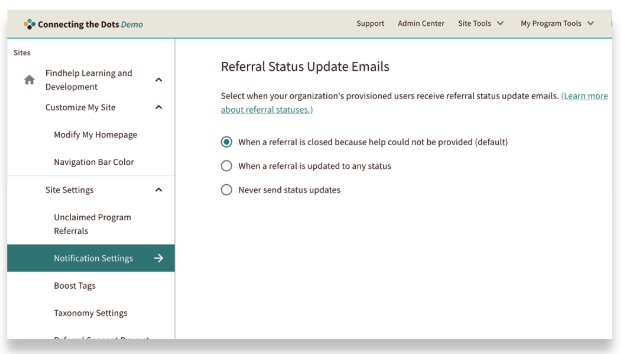
After you submit a live referral, both the seeker and the program provider get an email. This email lets them update the referral's status, and those changes are shown across the platform. As the navigator who made the referral, you can also receive a notification when the status has been changed. The cadence is determined by your Site Administrator.
Who receives a notification is determined by the preferred contact method, the program provider, and the referral status updates.
Preferred Contact Method Inside Referral Forms
When a person is referred, they choose their preferred way to be contacted. This contact preference is then shared with the program provider so they know the best way to reach out. Depending on their choice, the seeker can also receive a notification that a referral has been made on their behalf.
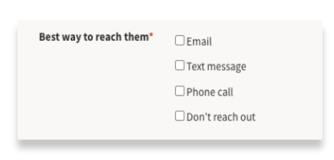
If they choose email or text, they will receive either an email or text notification. If they choose both email and text, we will prioritize the email address and only send them an email notification.
- If they choose phone they will not receive a referral notification.
- If they choose Don’t reach out, referral notifications will not be sent to anyone, including the Seeker or the Program.
Text Notifications

If a Seeker choose Text as the best way to reach them, they will receive this message with a reference to the site where the referral was made, the name of the program, the next steps, and a direct link to the program.
They will not receive referral status update notifications with this contact method.
Email Notifications
Notifications for referrals made on Customer Sites will be updated to reflect the site's branding. All emails are TLS encrypted, which is the industry standard.
Seeker Email Notification
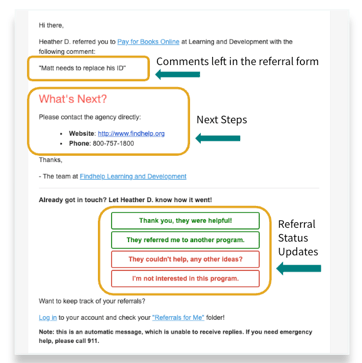
If the Seeker chooses email as the best way to reach them, they will receive the following notification. It will contain:
- Any comments made by you in the referral form
- Next steps for reaching out to the program
- A space to update the referral status
If a preferred language was selected in the referral form, the notification the seeker receives will be in their preferred language.
Community Based Organization (CBO) Email Notification
When a live referral is sent, the CBO provider gets a notification that a new referral has been made to their program. It will look like this:
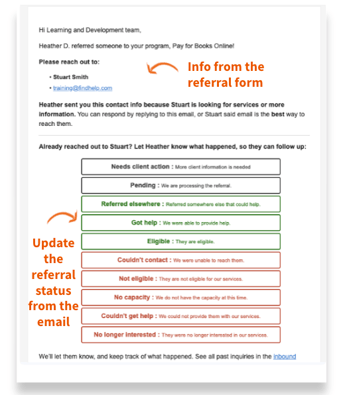
When a program provider gets a referral email, they'll see key information about the person who was referred, including their preferred contact method.
From this email, providers can easily update the referral's status. After they make a change, a notification is sent out, and the update immediately appears on both the seeker's and the navigator's dashboards.
Referral Notifications Based on Status Updates
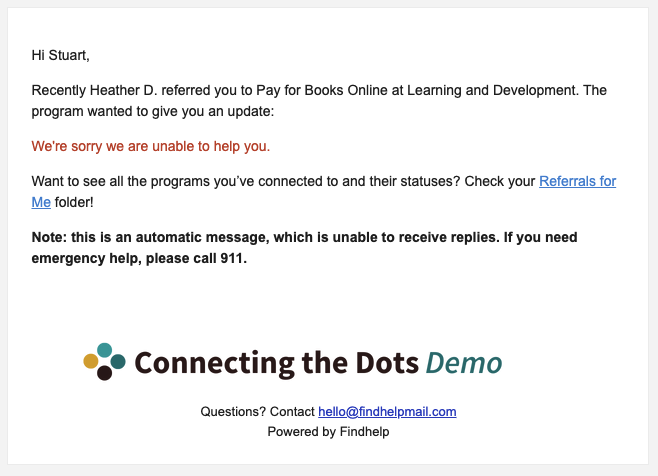
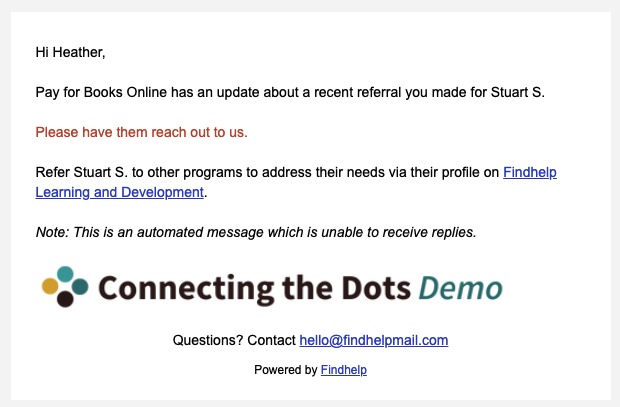
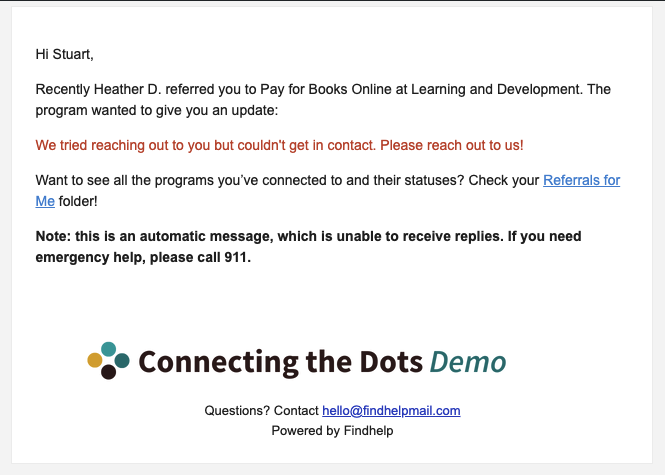
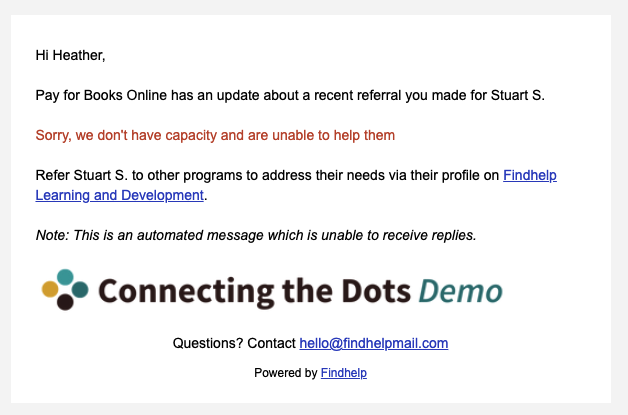
Refer to the chart below to see which actions trigger a referral notification email and who is notified.
Important: Seeker emails are only sent if the seeker selected email as their preferred contact method. All emails will include your organization's logo at the bottom.
💡When you submit a logged referral, the seeker will only receive one notification giving them the next steps to access the program—if their preferred contact method is email. They won’t get follow-up updates unless the referral is live.
| Action Taken | Navigator Notification Email | Seeker Notification Email |
|
The CBO provider changes the referral status to ‘Pending’. |
N/A |
|
|
The CBO provider changes the referral status to ‘Needs Client Action’. |
N/A | 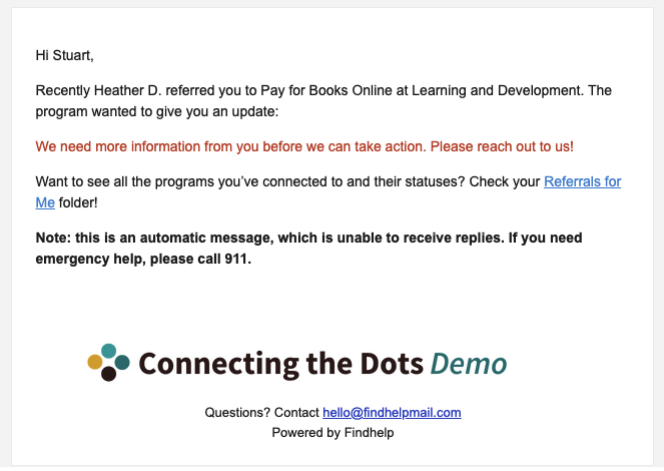 |
|
The CBO provider changes the referral status to ‘Referred Elsewhere’. |
N/A | 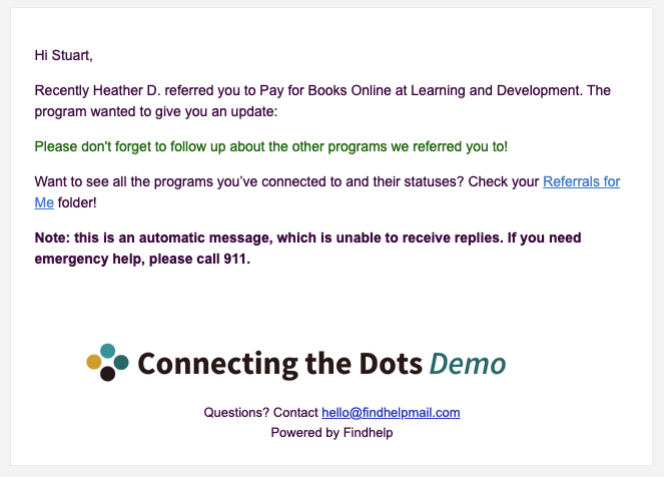 |
|
The CBO provider changes the referral status to ‘Eligible’. |
N/A | 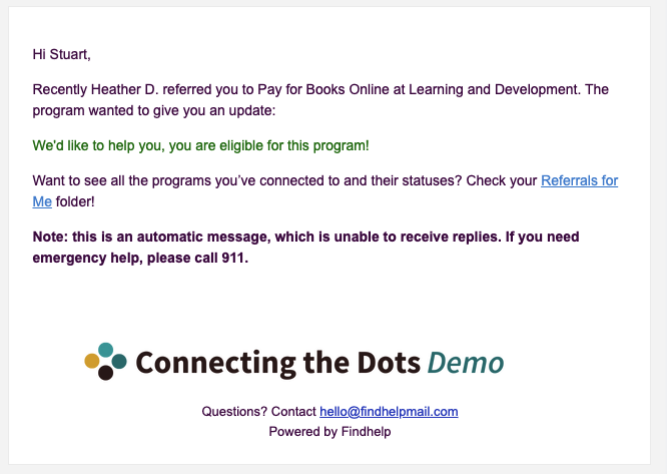 |
|
The CBO provider changes the referral status to ‘Couldn’t Get Help’. |
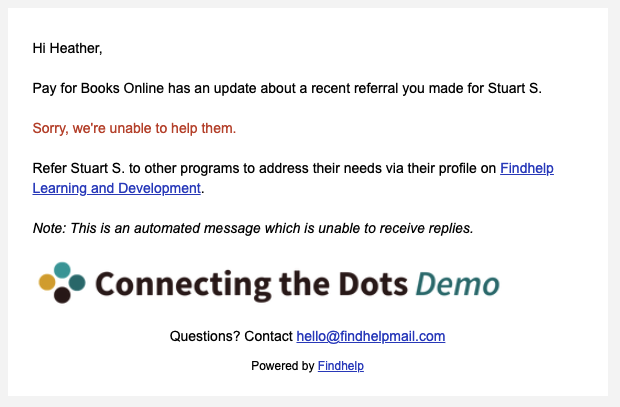
|
|
|
The CBO provider changes the referral status to ‘Couldn’t Contact’. |
|
 |
|
The CBO provider changes the referral status to ‘Not Eligible’. |
|
|
|
The CBO provider changes the referral status to ‘No Capacity’. |
|
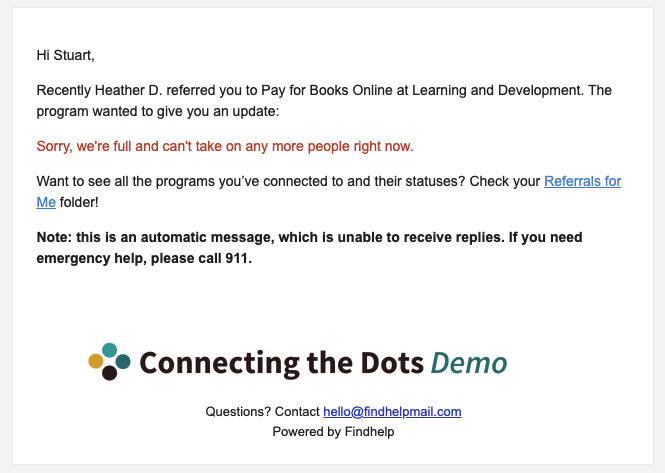
|
|
The CBO provider changes the referral status to ‘No Longer Interested’. |
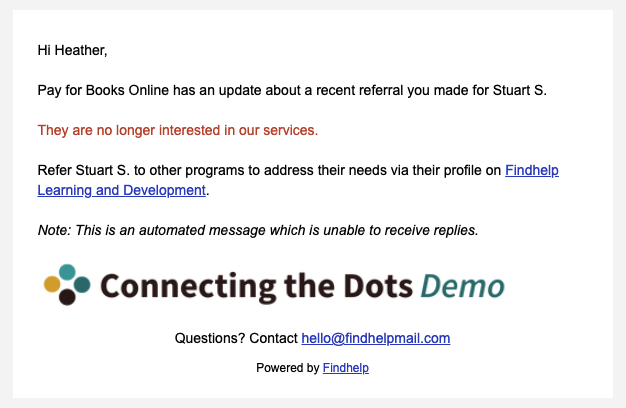
|
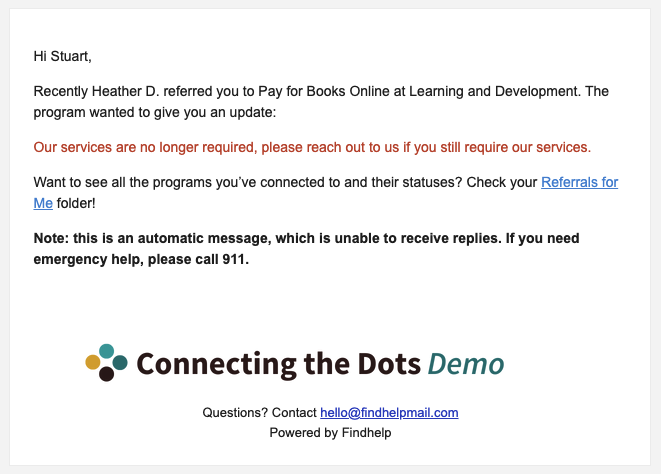 |
|
The seeker selects a status from the original referral notification email of “They couldn’t help, any other ideas” |
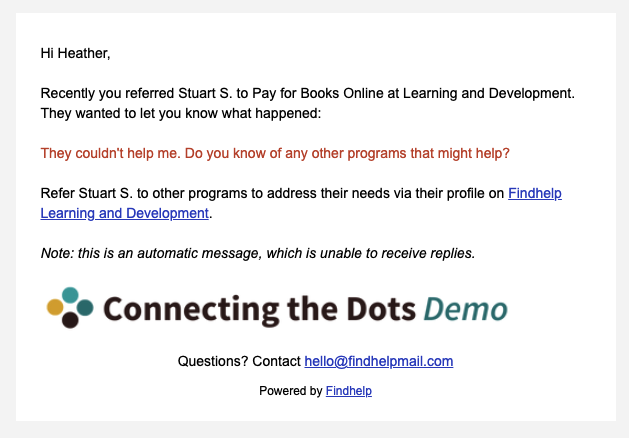 |
N/A |
|
The seeker selects a status from the original referral notification email of “No Longer Interested” |
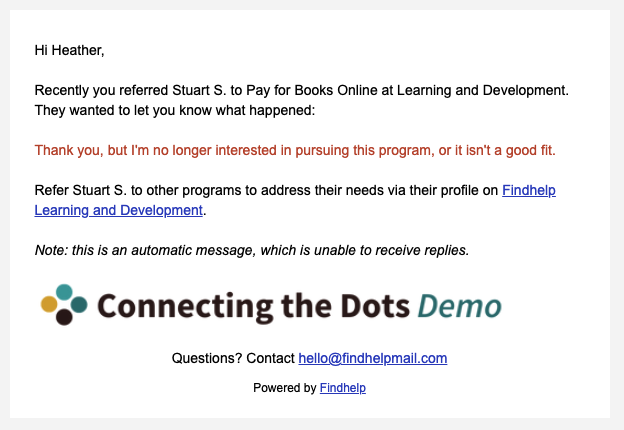 |
N/A |
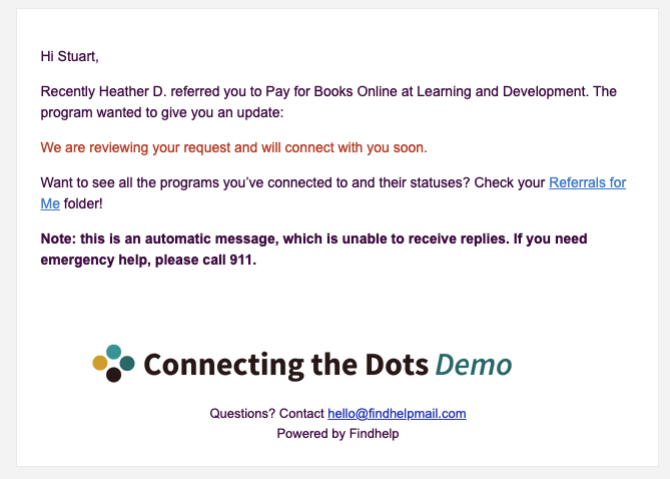
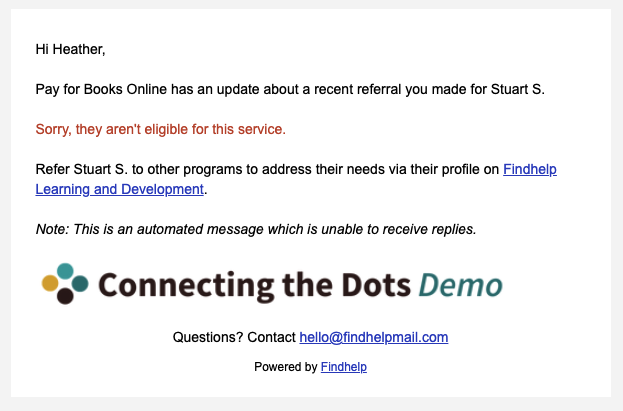
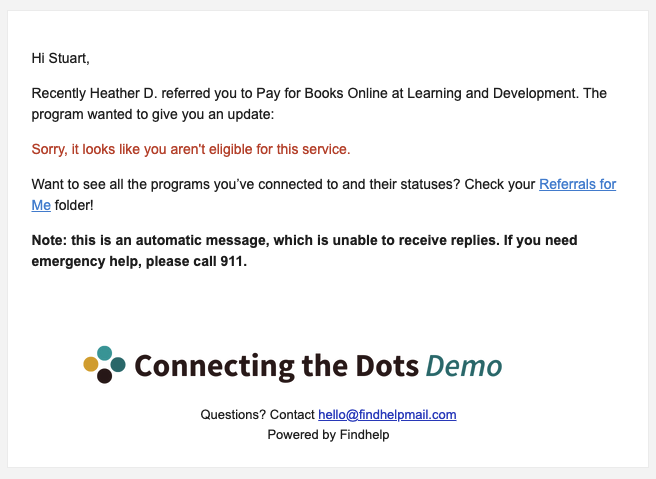
When "got help" is selected, no notification is sent out.
Referral Status Update Emails: Notification Settings
Site Administrators can set how often navigators receive updates about referral statuses. This setting applies to all navigators on the site.
- When a referral is closed because help could not be provided (default): The email update sends when a referral status is updated to: Couldn’t Get Help, Couldn’t Contact, Not Eligible, No Capacity, or No Longer Interested.
-
When a referral is updated to any status: The email update sends any time the status changes on a referral.
-
Never send status updates: Email updates will not be sent. We recommend using this if you have other mechanisms or processes you use to follow up on referrals.
By default (if no other setting is chosen) navigators will only receive automatic notifications when a referral is closed with a status reflecting that the person could not get help from the program.