
Building a comprehensive care record starts with the Personal Info and Assignment sections. While personal data is automatically gathered via assessments and referrals, the Assignment section allows you to designate record ownership to yourself or your group. Together, these tools enable your team to collaborate seamlessly—allowing everyone involved to track notes, view actions, and provide unified support.
Personal Info
You can update a seeker’s essential details—such as their name, zip code, and contact information—within the Personal Info section. This data is automatically gathered from previous assessments and referrals, and because the platform can be custom-configured for your organization, you may see additional specialized fields.
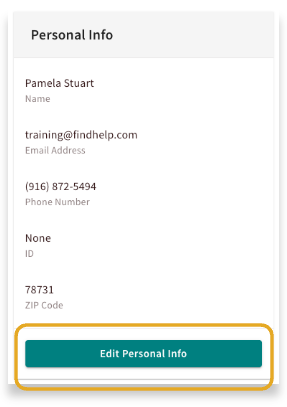
Click on Edit personal info to go to the personal info panel.
From here you can make changes and view information. The information here will auto-fill across the platform to save you time.
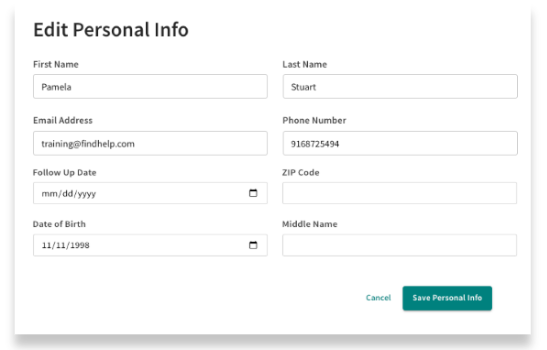
You can also set a follow-up date directly within the seeker’s profile. This date acts as a built-in reminder and will appear on your “People I’m Helping” dashboard, making it easy to see exactly who needs attention at a glance.
This is especially helpful for managing outreach after a referral has been made. By setting a follow-up date, you can ensure that no one falls through the cracks, allowing you to touch base with seekers to see if they successfully connected with a program or if they need additional support.
Assignment
Assigning the record allows you to designate yourself or a teammate as a Navigator for a seeker. This ensures clear ownership and allows you to quickly filter for your specific caseload in the "People I’m Helping" dashboard. To support collaborative care, multiple team members within the same group can be assigned to a single profile.
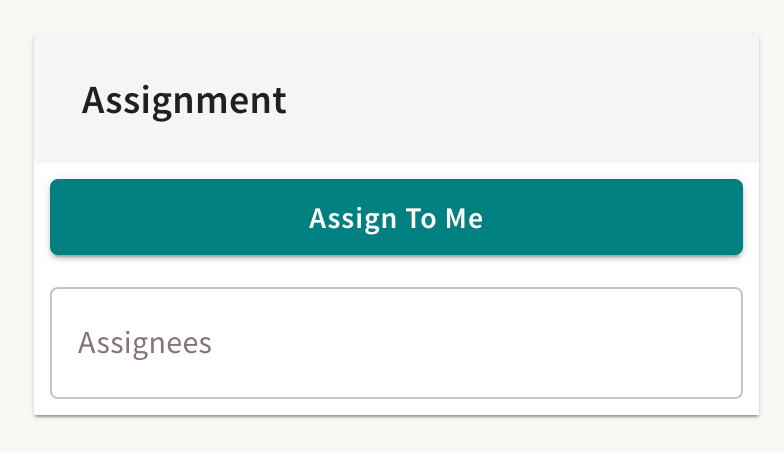
Click Assign to Me to attach your name to this record.
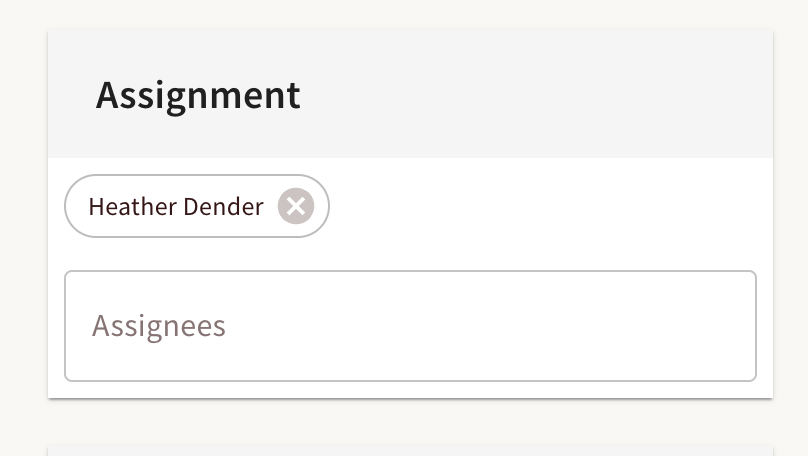
You can add additional team members who are a part of your group to this record.
To hand off a seeker's care to another team member simply search for and add your teammate’s name, then remove your own. Since all your previous notes and actions stay with the record, they can see the full history and pick up exactly where you left off.
When you add another team members name, they will get an email letting them know they have been assigned to the record!
Using These Filters Within the People I'm Helping Dashboard
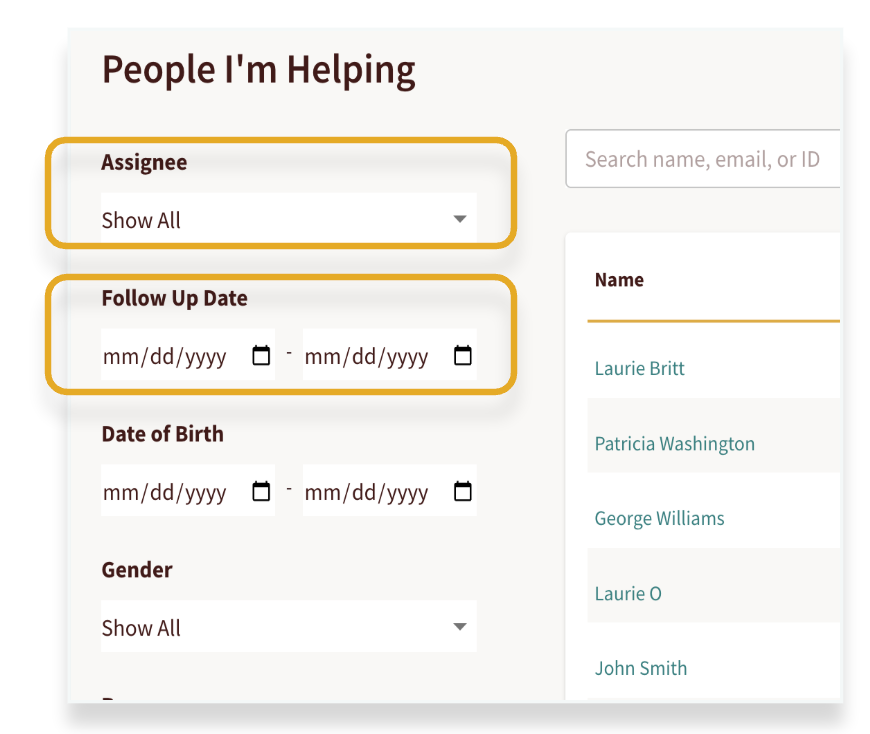
As your community grows, your dashboard will naturally fill with more seeker records. To stay organized, use the Follow-Up Date and Assignment features.
These tools allow you to filter your workflow effectively, ensuring you can instantly identify which seekers are in your caseload and who requires immediate outreach.