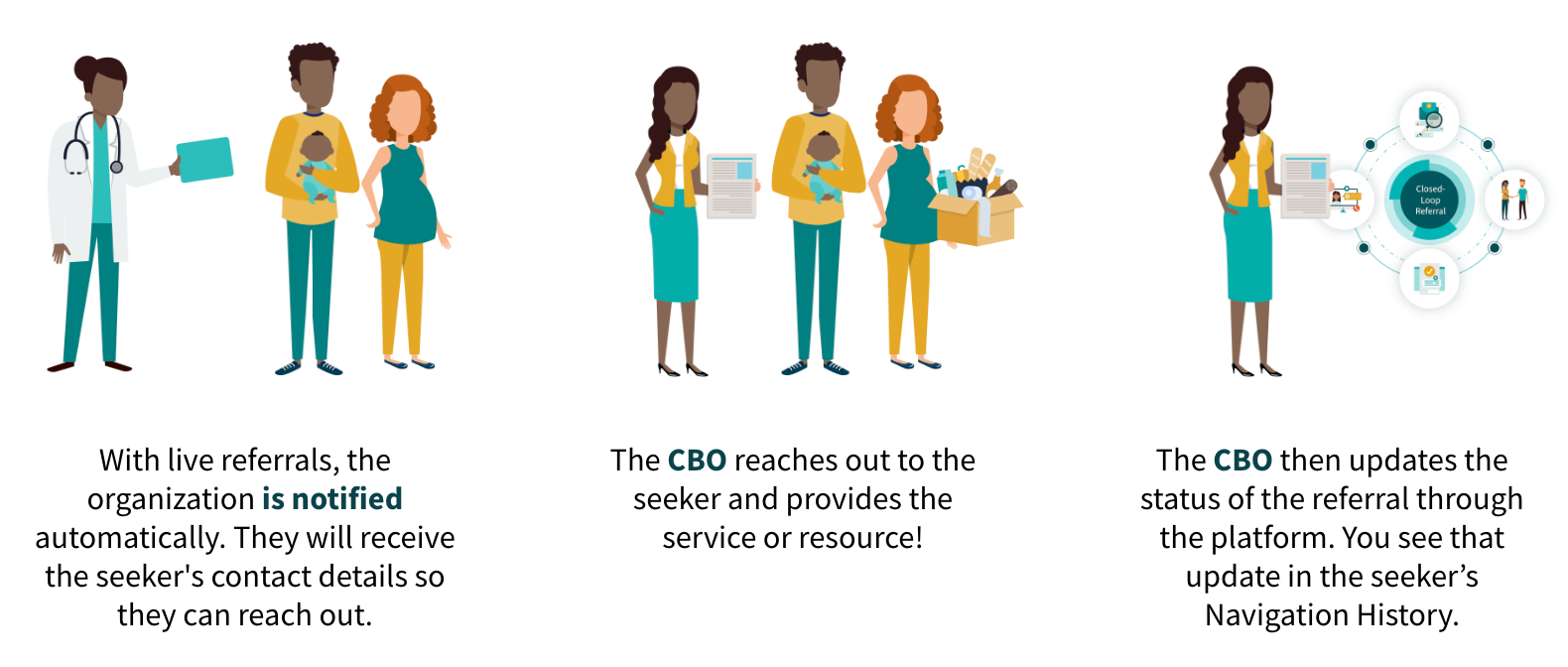
Referring a seeker to a program is a powerful way to bridge the gap between their needs and the right resources. By making a direct connection, you ensure they have a clear path to the specific support and services that program provides.
Differences Between Sharing and Referring
Let's highlight the difference between these two actions so you can keep that in mind as you are deciding how to connect your seeker to the program.
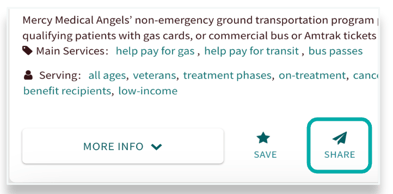
Sharing provides the seeker with the information they need to reach out on their own terms.
-
The Connection: You provide the program details to the seeker, and they choose if and when to contact the organization directly.
-
Privacy: This action is anonymous. No record of the share is attached to the seeker’s profile, ensuring their search for resources remains private.
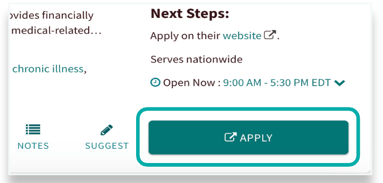
Referring creates a formal link between the seeker and the service provider for more proactive support.
-
The Connection: This creates a two-way bridge; either the seeker can reach out, or the organization can contact them directly (for live referrals).
-
Tracking: These referrals are automatically tracked in the seeker’s profile, making it easy for you to follow up on their progress and see which programs were most helpful.
Sending Program Referrals

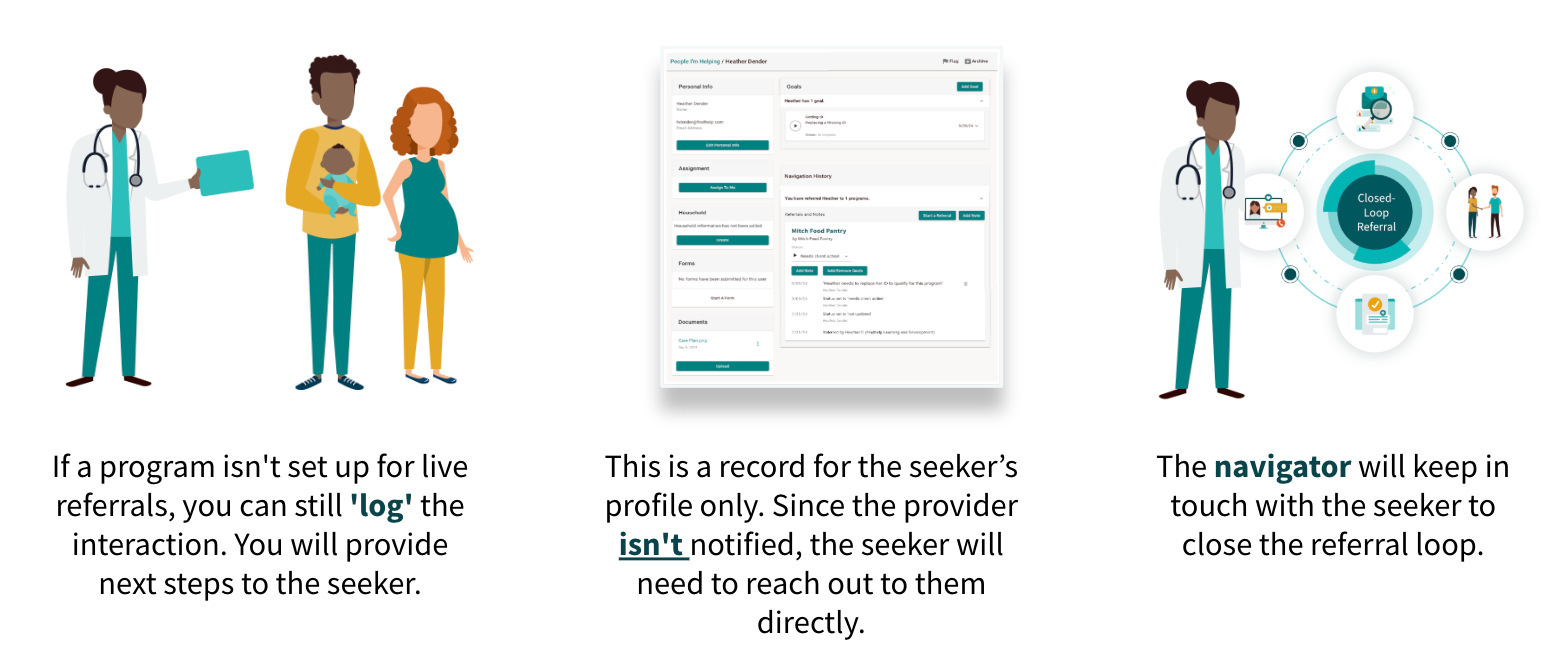
We don’t require that organizations have to accept emailed referrals. This allows for Findhelp to prioritize listing every social service program. Organizations can use their existing intake and connection methods, like their website or phone line, while using our platform to help navigators and seekers see the outcome of those referrals.
Referrals are started by clicking on the connect button inside of a program card. There are two types of referrals: live and logged.
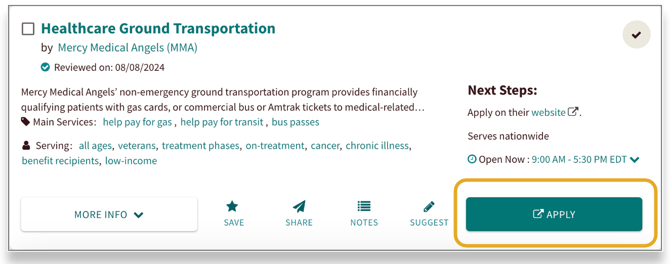
Connect Buttons
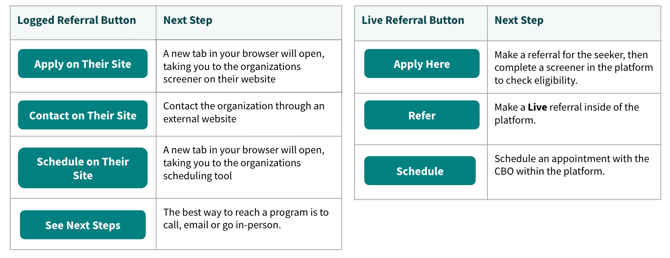
The connect button on each program card is dynamic. Its label and function change based on the specific referral type and the "next steps" established by that program.
-
Live Referrals: The button language reflects an action taken within the platform. This indicates a direct, digital hand-off where information is sent through the system to the organization.
-
Logged Referrals: The button language reflects an action taken outside the platform. This is used to document a real-world interaction, such as a phone call, an email, or an in-person visit that has already occurred.
What is a Logged Referral?
What is a Live Referral?