Our platform stays up to date through a few ways.
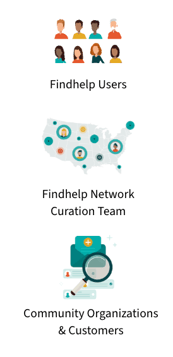
Any of our millions of users submit updates in real-time; we receive hundreds of ideas each week, and our Network Curation team validates and publishes changes.
Our Network Curation team members use a combination of people and technology to validate program information.
Program Providers control their presence manage their program listings for free (no contract required) and connect to clients via our intake tools.
Findhelp customers use the Program Manager tool to update programs in real-time, ensuring listings are always accurate and up-to-date.
Suggesting a New Program
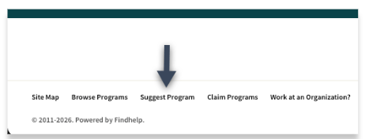
If a program you’re looking for isn’t yet listed on our platform, you can add it by clicking the 'Suggest a Program' link located at the bottom of any search results page.
This step allows you to search our existing database to see if the program is listed under a variation of its name or organization.
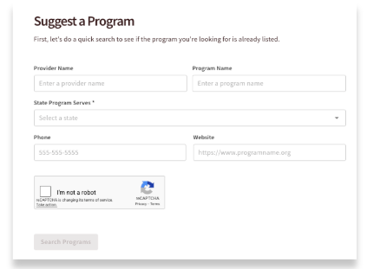
This helps prevent duplicate listings and keeps our network accurate. Please enter the following details:
-
Provider Name
-
Program Name
-
State Served
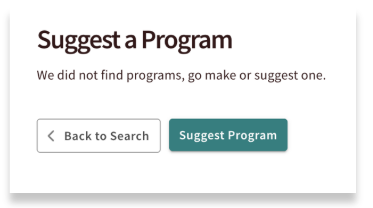
If no matching results are found, click 'Suggest a Program' to begin the submission process.
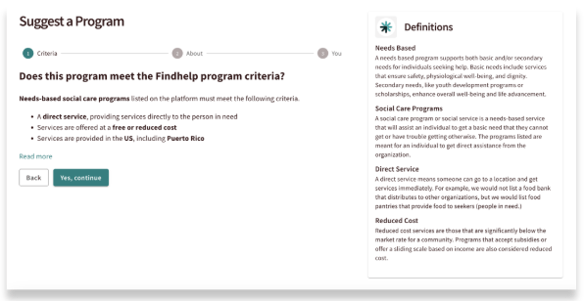
You will review your program against our listablity criteria. We list programs on all Findhelp sites if they are:
-
Free or reduced cost, needs based, and a direct service
-
Services provided in the U.S., including Puerto Rico
You can review our guidelines and their definitions in the side panel. If your program meets all of these criteria, you can click ‘Yes, continue’.
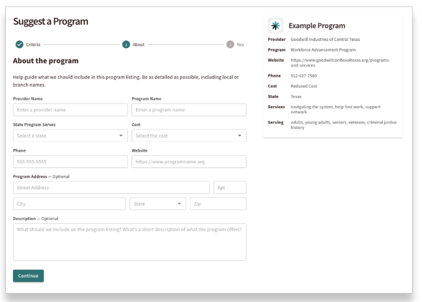
To suggest a new program, please provide the following required details:
-
Provider & Program Name
-
State Served
-
Cost Structure (e.g., free, reduced cost, or sliding scale)
-
Contact Information (Phone number or website address)
You may also include an optional physical address and a brief description of the services offered. For guidance on how to format these details, refer to the example program in the side panel.
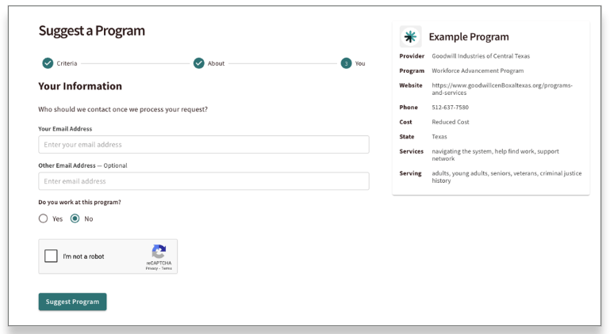
Finally, you may provide your contact information if you would like to receive updates on the program’s listing status. Please also let us know if you work for the organization; we can then help you begin the claiming process to manage the listing directly!
Suggesting an Edit to an Existing Program
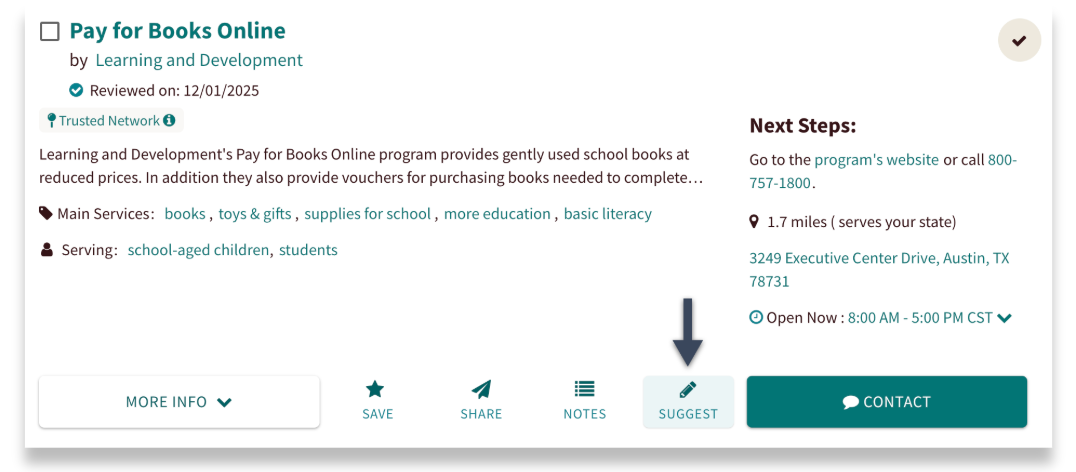
If you notice incorrect or outdated information on an existing program card, click the 'Suggest' button inside of the program card. You can submit an update directly to our Network Curation team!
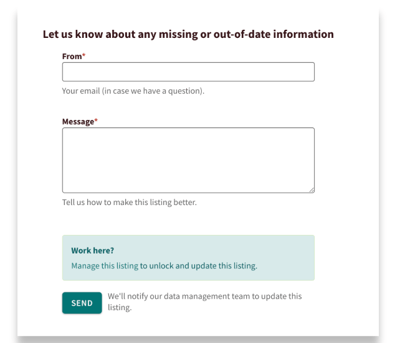
Enter your email address and describe the necessary changes in the text box, then click Send.
Note: If this is your program, click 'Work Here' to claim it. Claiming your program gives you direct access to update information and unlocks additional management tools.
If you are an authorized user on a customer site, you can use the Program Manager tool to make the edit in real time! View our Program Manager Tool section to learn more.
Where Can You See When a Program Was Last Reviewed
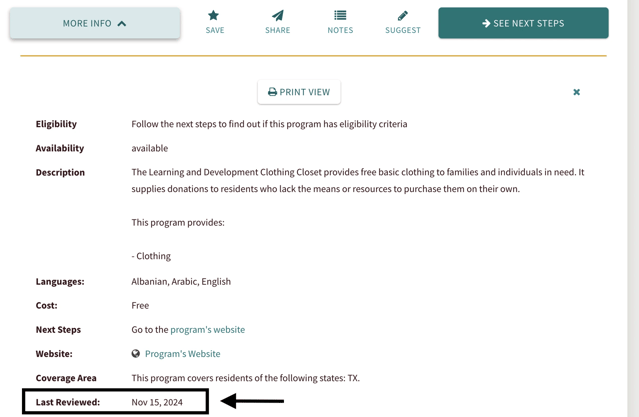
You can check when a program was last reviewed by clicking "More Info" and looking for the "Last Reviewed" date.