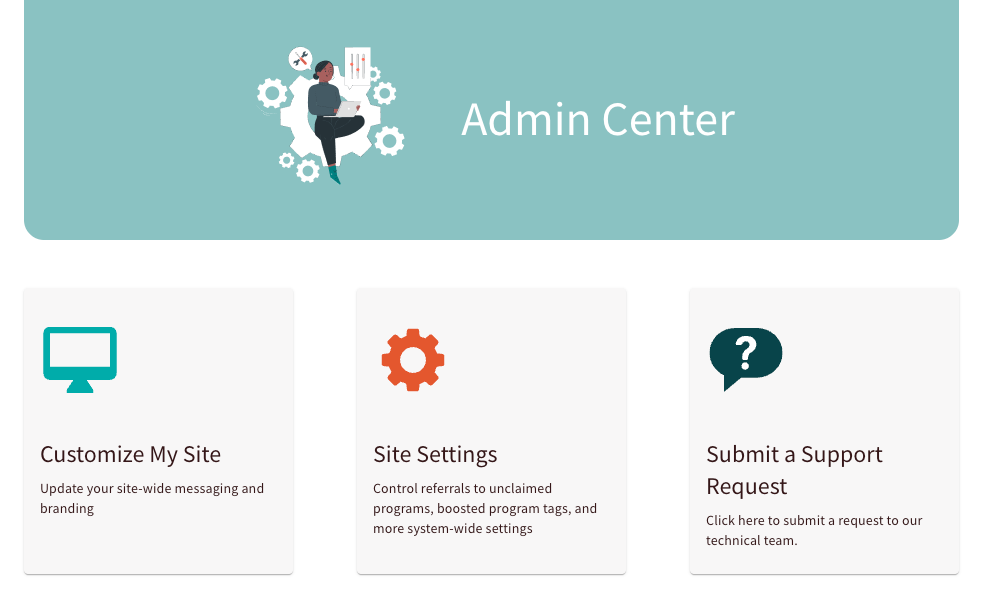
The Admin Center serves as the central command hub for your Findhelp platform, providing the tools you need to create a unique and efficient experience for your team and community. As a Site Administrator, you can use this space to tailor the platform’s visual identity and operational logic to meet your organization's specific goals.
Whether you are managing your site’s branding, highlighting key resources, or automating communication, the Admin Center puts full control at your fingertips.
Accessing the Admin Center
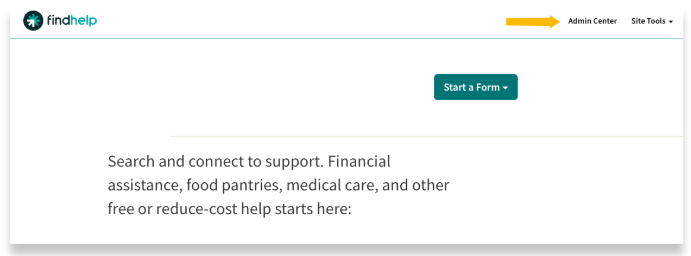
Click on Admin Center from the top toolbar. You will only see this option if you are signed in.
Within the Admin Center, you can manage the primary areas of your platform:
- Brand Your Experience: Update your site’s logos, primary colors, and custom language to ensure the platform aligns perfectly with your organization’s branding.
- Configure Your Settings: Set notification cadences for your team and adjust global settings to streamline how information flows across your network.
- Highlight Essential Resources: Use Boost Tags to draw attention to specific programs, ensuring your community finds the most relevant or preferred services first.
- Direct Technical Support: Submit and track support tickets directly to our technical team to resolve issues or ask specific platform questions without leaving the Admin Center.