Changes to Your Dashboards
Dashboard Name: Search Activity Report
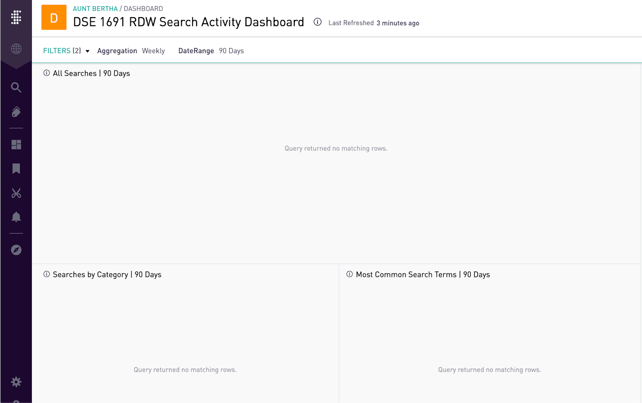
- Customer Filter Behavior: In the new version of the report the default behavior of the customer filter is to have no organization selected. This results in a message appearing that states “query returned no matching rows”. This behavior is by design and in order to see results for a given customer it needs to be selected and applied.
**This change primarily impacts internal Findhelp users. When you load the report it will show no results until you select a customer. When a customer is using the report it will default to their data.
Default view when no customer is selected:
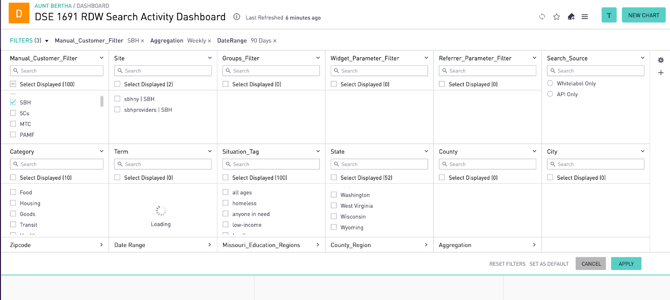
Select the customer and apply the filter to get results:
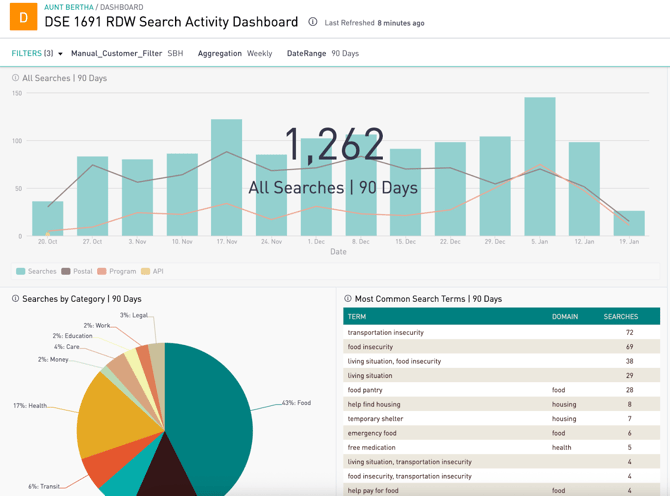
View when a customer is selected and applied:
Dashboard Name: Group-Based Search Activity Report
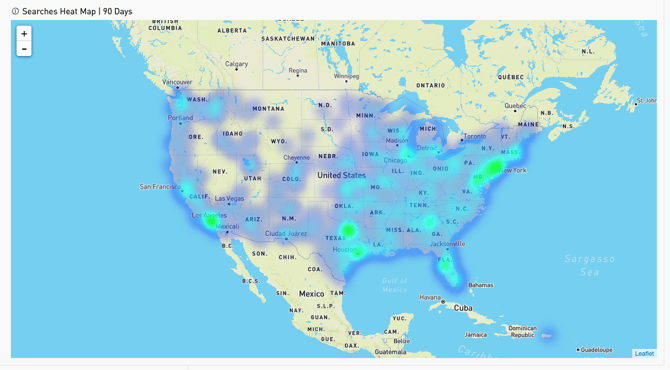
- Removal of Heat Map: The heat map that was present at the bottom of the report has been removed. In the current production report it appears as follows: