What is the description generator?
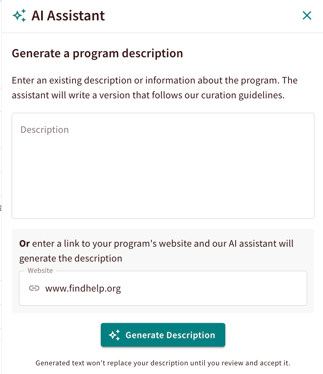
The AI Assistant in Program Manager helps you draft and update program descriptions. It uses context from the program's website, program name, service tags, and any existing description to draft a program description that aligns with Findhelp's curation standards. This tool makes it easier to maintain clear, consistent, and engaging program listings across the Findhelp network.
Note: Site administrators must enable this feature for their organization, in alignment with their organizational AI policies.
Why Should You Use It?
Ensuring every program description follows a consistent structure, tone, and length makes it easier for navigators and people seeking help to quickly understand what services are offered and how to access them.
Additionally, the tool allows you to save time researching program details and helps reduce formatting, grammar, and spelling errors.
How to Use the Description Generator:
- Enter in the program manager tool and navigate to the 'General Information' section.
- Click 'Generate Description'.

- Enter an existing program description and/or paste a program website URL.
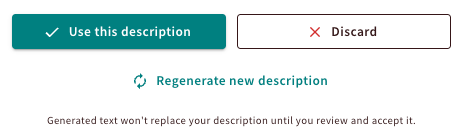
- Once the suggested description is generated, you choose to use it, discard it, or generate a new description.