Not everyone seeking assistance has access to a computer. Here are a few ways to share resources with them.
Mobile Options
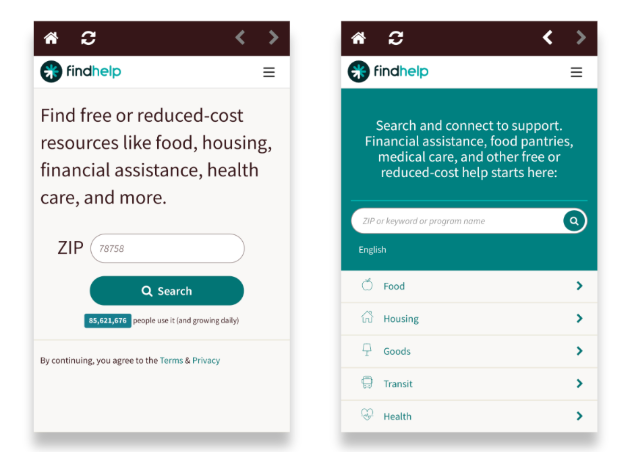
Individuals can access findhelp.org directly from their phone's browser, which provides a mobile-friendly experience with all features available.
Findhelp Mobile App
.png?width=249&height=399&name=Zight%202026-7-28%20at%2011.19.44%20AM%20(1).png)
Additionally they can download the app by searching for Findhelp in the App store. Our app is available for both Android and Apple devices.
Share Resources Through Text
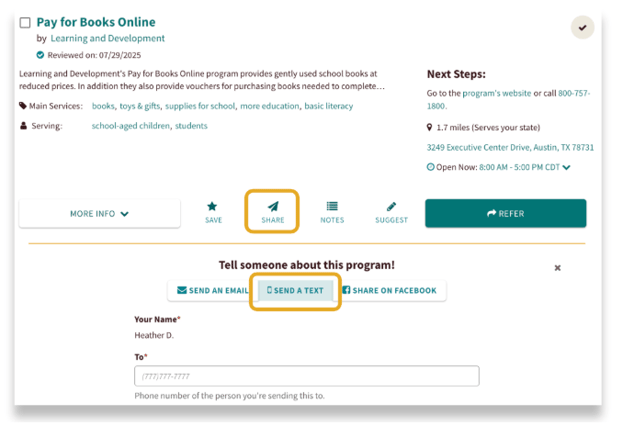
When sharing a program, you can choose to send notifications and contact information via text message or phone call. This option is also available when you're filling out a referral form.
Print It Out
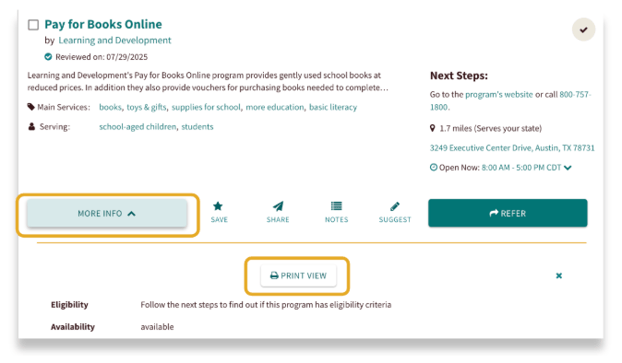
Want a physical copy? You can print a program's information. Click More Info on the program card, then select Print View. This will give you a printable version of the program's details.