
Language shouldn't be a barrier to getting help. With translation support in over 100 languages, the Findhelp platform ensures both navigators and seekers can search for programs, share resources, and access critical support in the language they understand best. Review the key locations where language support is available below to see how it works across the platform.
When Searching:
Translating the platform is simple: click the language tab beneath the search bar, select your language, and click the arrow. Once set, the entire site stays in your chosen language as you explore different categories.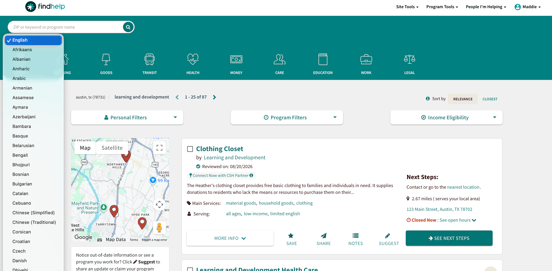
While Sharing a Program:
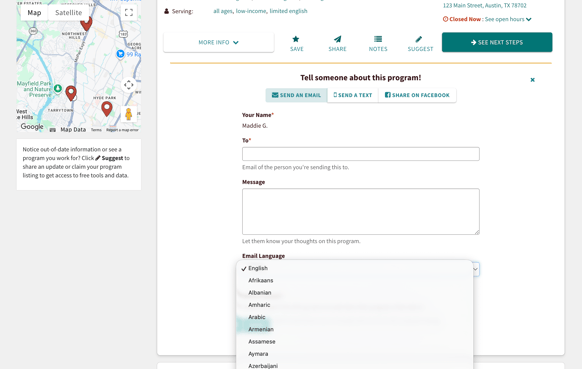
You can easily share resources in a seeker's preferred language via email or text. Click share on the program card, enter the contact information, and select their language from the language dropdown before sending.
While Sharing Favorites Folders:
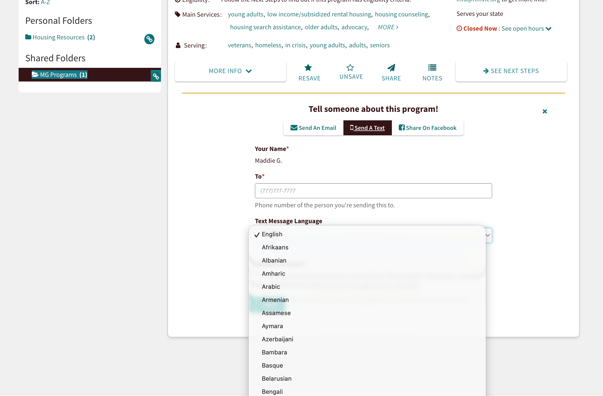
To email a Favorites folder in another language, select share via email, add your seeker's details, and pick their language from the email language dropdown.
When Completing a Referral:
When sending a live or logged referral, you can select the seeker's preferred language from the drop-down menu. This automatically translates any notifications the seeker receives. With a live referral, this also notifies the organization of the seeker's language preference so they can communicate effectively.
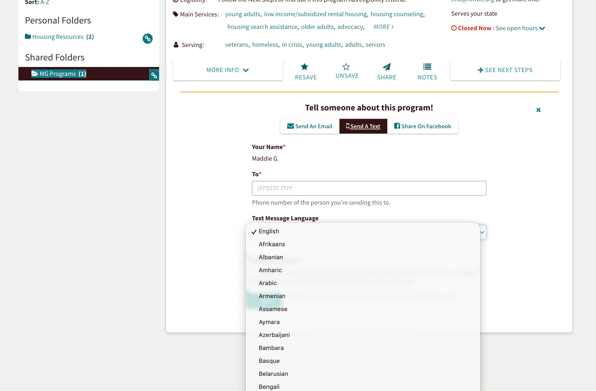
Notifications are only sent when email or text message is chosen as the preferred contact method.