
Site Administrators will have access to the 'Admin Center', where they can make updates to customize their site.
Accessing the Admin Center
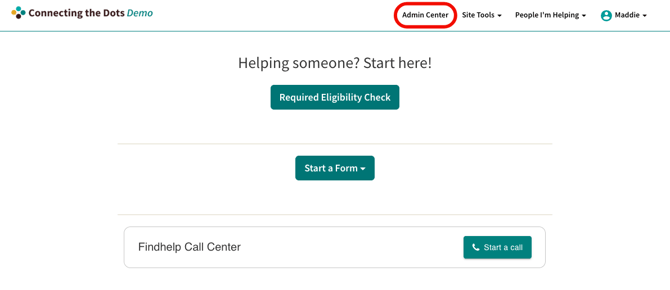
Click on 'Admin Center' in your top toolbar. You will only see this option if you are signed in.
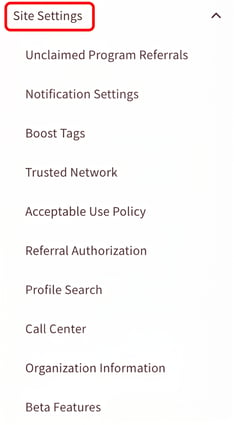
Site Settings
Within the 'Site Settings' section, customize the following settings based on the needs of your organization.
Unclaimed Program Referrals
Within the 'Unclaimed Program Referrals' section, this toggle controls whether your users can communicate with programs that have not yet claimed their listing.
-
If Enabled (Default): Referrals can be sent to all programs with an email contact method.
-
If Disabled: Users cannot send active referrals or messages to unclaimed programs, though they may still "log" past activity.
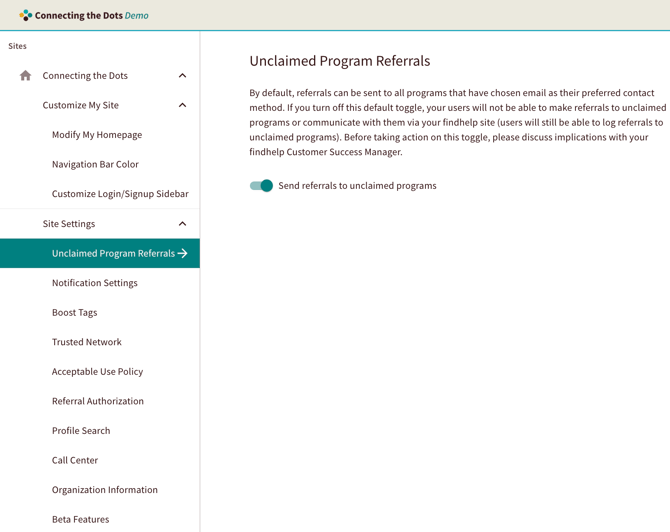
Important: Changing this setting significantly alters the user experience. Please discuss the implications with your Customer Success Manager before proceeding.
Notification Settings
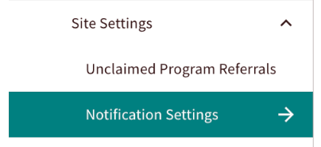
Within 'Notification settings', you can manage notifications regarding referral status updates, email privacy settings, Seeker opt out texts, and referral note updates.
Want a tip sheet on managing referral notification settings to share with your team? Click here!
Referral Status Update Emails
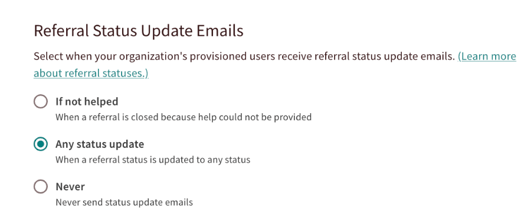
- If not helped: Emails are only sent when a referral is marked with a "closed loop" status, such as ''Referred elsewhere.'
- Any status change: An email is sent for every change in a referral's status.
- Never: No email updates will be sent.
Email Privacy Settings
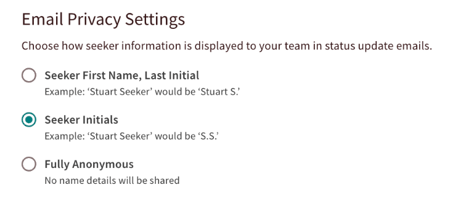
Site administrators can choose how Seeker name details are displayed in update emails to protect their privacy.
Seeker Opt Out Texts
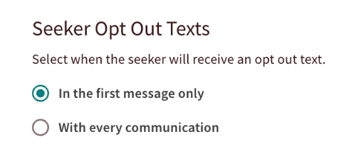
If two way texting is enabled, Site Administrators can choose to provide an opt out text to seekers in the first message only or with every text they receive.
Referral Note Updates
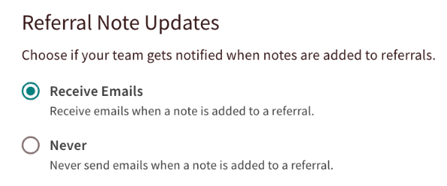
You can choose to notify your team via email when new notes are added to a referral or to keep those email notifications turned off.
Boost Tags
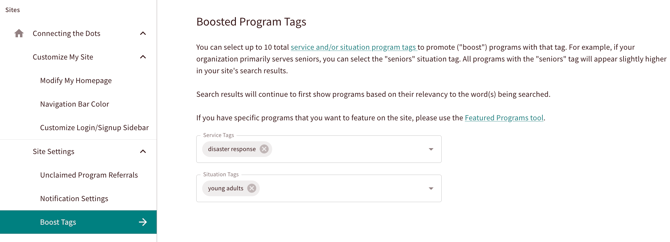
You can boost up to 10 service or situation tags on your site. This is a great way to highlight specific program types, like shelter programs during a weather-related emergency. When you boost a tag, any program with that tag will appear higher in relevant search results, ensuring users see those resources first.
Review this article for step-by-step instructions on how to add, edit, or remove Boost Tags across your platform
Referral Authorization
You can implement an authorization workflow for referrals initiated by your navigators. When this feature is enabled, referrals are held for internal review and will only be sent to the provider once a designated team member has approved them.
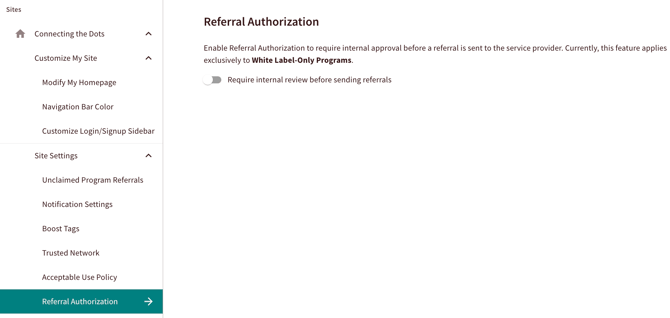
If you are interested in implementing this for your site, review our Referral Authorization feature article and talk to your Customer Success Manager!
Organization Information
If you have reimbursement configured in your platform, you will use this section to manage the financial entities linked to your site. This data serves as the foundation for your auditing and reimbursement processes. Because changes to this configuration directly affect financial reporting and the stability of third-party integrations, please ensure all information is verified and accurate before saving.
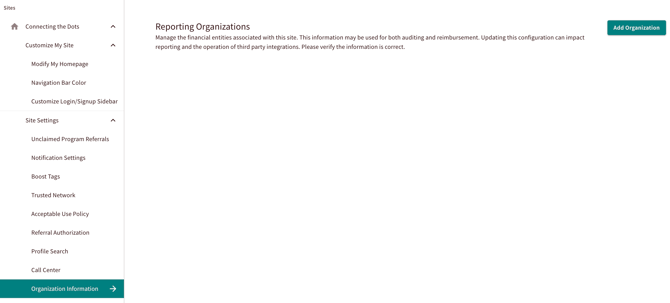
If you are interested in implementing this for your site, review our Reimbursement Workflow feature article and talk to your Customer Success Manager!